

Editor’s note: Wired for Safety is a column on cybersecurity and other tech issues. Duane Dunston is an assistant professor of cybersecurity and networking at Champlain College. He received his bachelor’s and master’s of science from Pfeiffer University. From 2001 to 2011 he worked in cybersecurity for NOAA. He is a doctoral student at Northeastern University with a concentration in Curriculum, Teaching, Learning, and Leadership. His other activities include “You Have A Voice,” a project to develop an electronic screening assessment to identify human trafficking victims.
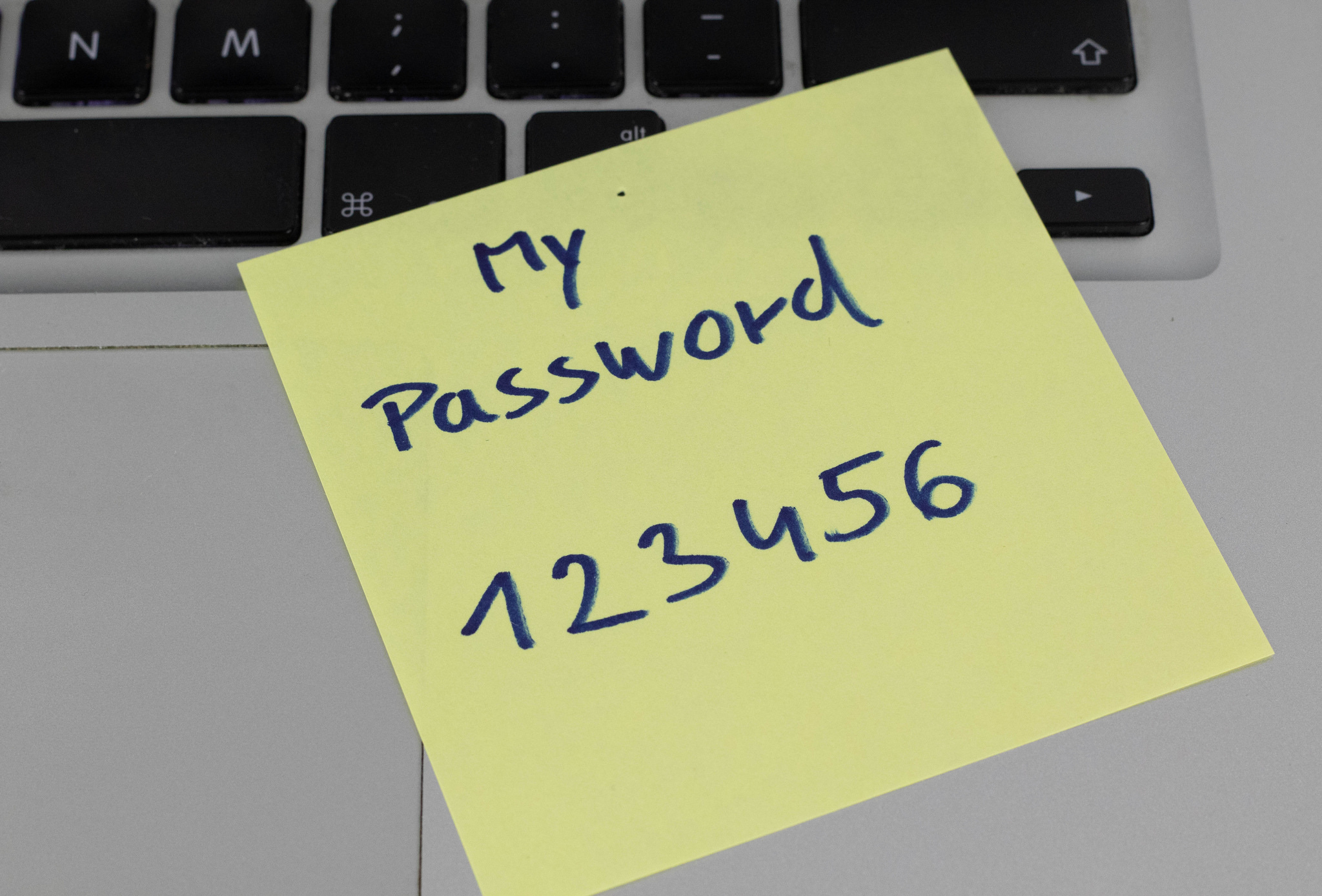
[P]asswords have been a nightmare for computer users since they started being required. These days, people have multiple accounts. Some may have dozens.
Practically every site that you visit wants you to create an account with a password. Then we, security people, tell you not to use the same password on every site. Yes, we know that is frustrating and you’re not going to do it.
Then there are accounts that come with “things” we buy, specifically WiFi devices that are bought online or at the local electronics store. Other devices have a username and password associated with them — the dining room lights or the coffee maker that can be controlled via your cellphone or the thermostat that you can turn on before you leave work so your home is nice and warm when you walk in. These “things” (smart coffee makers, refrigerators, thermostats, DVRs) are what we call the Internet of Things (IoTs) because those “things” that were traditionally manually controlled can now be controlled via the internet (or via a network). More than that, these IoTs are almost always powered on.
It is very easy to find a list of passwords for IoTs. Perform a search for “Default list of passwords for IOT devices” in your favorite search engine and you’ll find them. Here’s a site that organizes default passwords for you. Do you see your home router or small business version in that password list? If so, be sure you change it. How? Go to the device’s manufacturer’s website and get the user guide. Companies that develop IoTs have the capability to require a password change before the device ever accesses the internet, but many don’t do it. Convenience and ease of use sells. “Plug it in and forget about it” is the common tagline or “Plug ‘n Play.” There are even security vendors that have IoTs that claim you just plug it in and it starts protecting your IoTs.
Creating passwords
Well, there’s hope, the password scheme we have known is over. It is possible to create more memorable and secure passwords than “Y?#$aw)9hal”?
While strong, remembering it is more complex. Imagine a password like that for 20 or 100 accounts.
The person responsible for engendering the complex password schemes we use admitted it was a mistake. Thomas Baekdal wrote a provocative article about the ability to create memorable, but strong passwords. By “strong,” I mean the password is not easy to guess based on a dictionary word, pet’s name, family name, etc. With this method you create passwords based on dictionary words, but nonsensical. However, you want to add in special characters or a numbers to further strengthen the password, but keep it easy to remember.
Essentially, the password “Y?#$aw)9hal” is no longer recommended, instead create a password like: “Dogs Roof-Roof is Cat’s Meow”.
Why would this password be considered strong? A dictionary attack would take a literal dictionary of words all on one line and check to see if the password someone uses on a website matches a unique “fingerprint” of that dictionary word (that fingerprint is actually called a hash, just keeping this article accessible for the non-technical folks). The password above requires someone to take that dictionary of words and make combinations of it until it matches. Given enough time a match will be found. That is called a brute-force attack. Eventually, the correct combination of “Dogs Roof-Roof is Cat’s Meow” will be matched, but could take many, many, many, many years.
The password works because the average person knows between 10,000 and 25,000 words, depending on the source you read. If you used six sets of words from your large vocabulary, along with a special character and number, you can create strong and memorable passwords. If you have a vocabulary of 15,000 words and you choose six words you’ll have this many permutations to choose from:
15,804,498,163,007,898,122,500
And when you add in numbers and special characters, your possibilities increase and it makes it that much harder for someone to try and guess your password because they would have to compute all of those above possible combinations — with your special characters and numbers.
Essentially, this method of password creation allows you to keep your password much longer, so the recommendation is now keeping the same password or passphrase for a year or more. Also, we no longer say create a password, but a passphrase. If you need help creating a passphrase, there are many sites for that. I like the name of this site: “Correct Horse Battery Staple” which generates a passphrase and the site name is a play on creating passphrases.
Next time, I’ll discuss password managers.
NOTE: Don’t use “Dogs Roof-Roof is Cat’s Meow” as your password … oops, passphrase.

